
Xactly Incent 2018-04 New Features
This article describes the new features available in Xactly Incent 2018-04, which include:
- Lookup Table Return Type Enhancement
- Lookup Table Range Flexibility Enhancement
- Enhanced Report Summary Display Preference
- Ability to Remember Your Username on Xactly Mobile Apps
Lookup Table Return Type Enhancement
Xactly Incent 2018-04 enhances the Lookup Table feature (Plan Design > Lookup Tables) with the introduction of a new Plan Signature Type return type. This provides the ability for administrators to associate a lookup table with a workflow definition to help determine the appropriate type of signature.
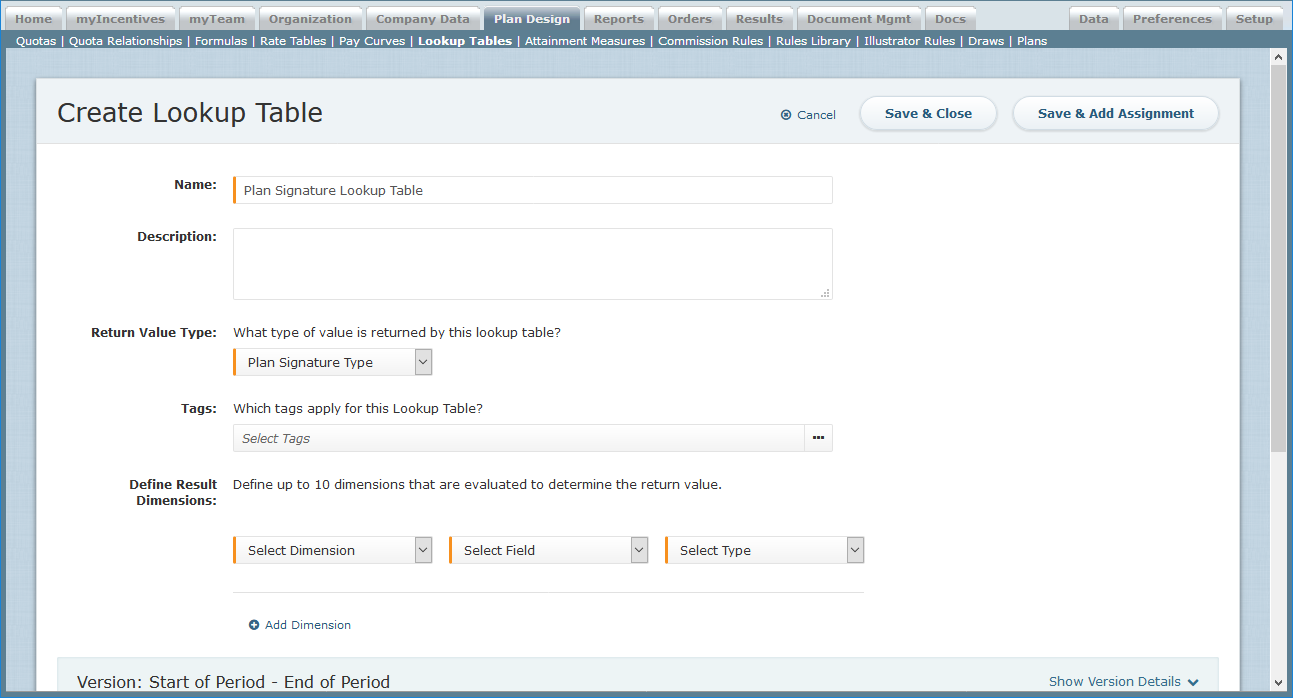 Create Lookup Table Screen
Lookup Table Range Flexibility Enhancement
Xactly Incent 2018-04 enhances the Lookup Table range function to add greater flexibility when selecting a return value. When a lookup table has two or more dimensions and multiple results that match the first dimension, the system will now look at the remaining dimensions to find the correct return value (rather than simply taking the first match from the list).
This gives administrators more control over the lookup table selection process.
Enhanced Report Summary Display Preference
Xactly Incent 2018-04 introduces a new option to the REPORT_SUMMARY_DISPLAY preference (in the Setup > Preferences area) to control the display of quantity unit types in the quarterly and yearly columns of the Incent incentive statement.
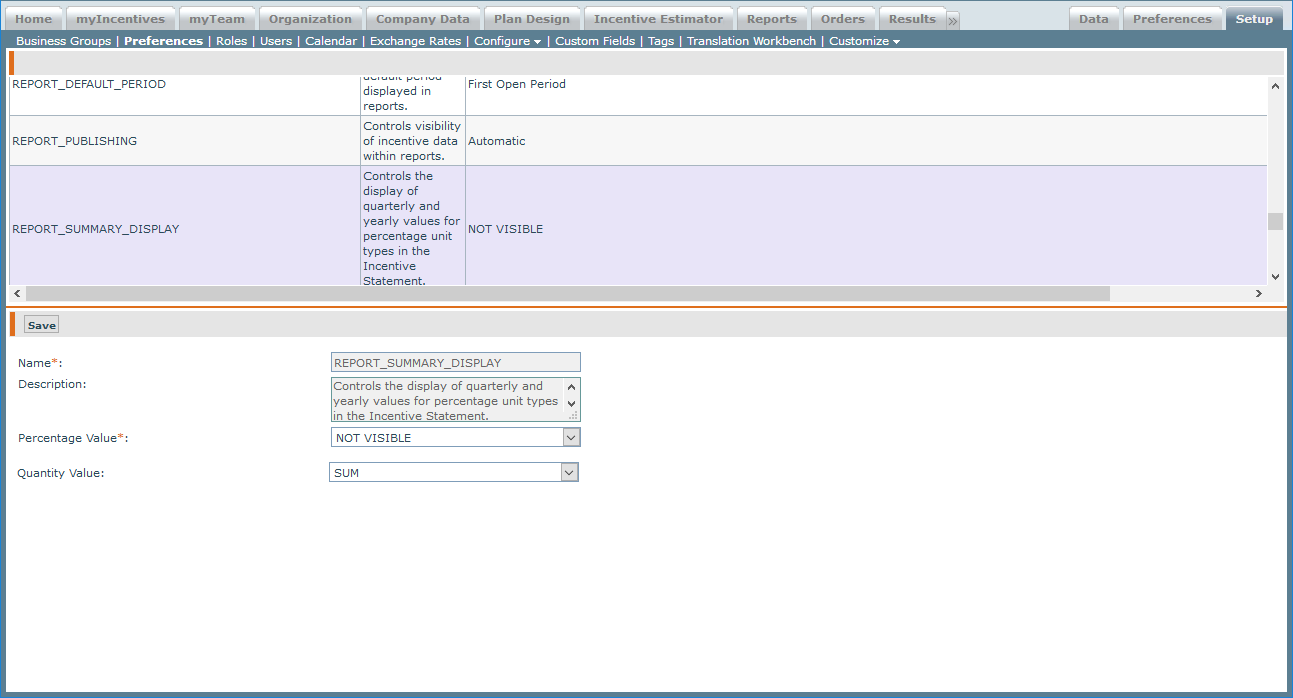
REPORT_SUMMARY_DISPLAY Preference
With this preference, administrators now have the option to display the latest monthly value for quarterly and yearly fields on the statement, providing more clarity for quarterly sales reps using quantity credit types.
Ability to Remember Your Username on Xactly Mobile Apps
Xactly Incent 2018-04 adds the ability for Xactly Incent for iOS and Xactly Incent for Android to remember your username when using the mobile apps. The feature, which is automatically enabled for all the mobile users, helps by not requiring users to remember their username when they log in next time.
Users can disable the feature, if needed, by toggling a switch on the Settings page in both the iOS and Android versions of the app. The following shows the Settings screen in the Xactly Incent for Android app:
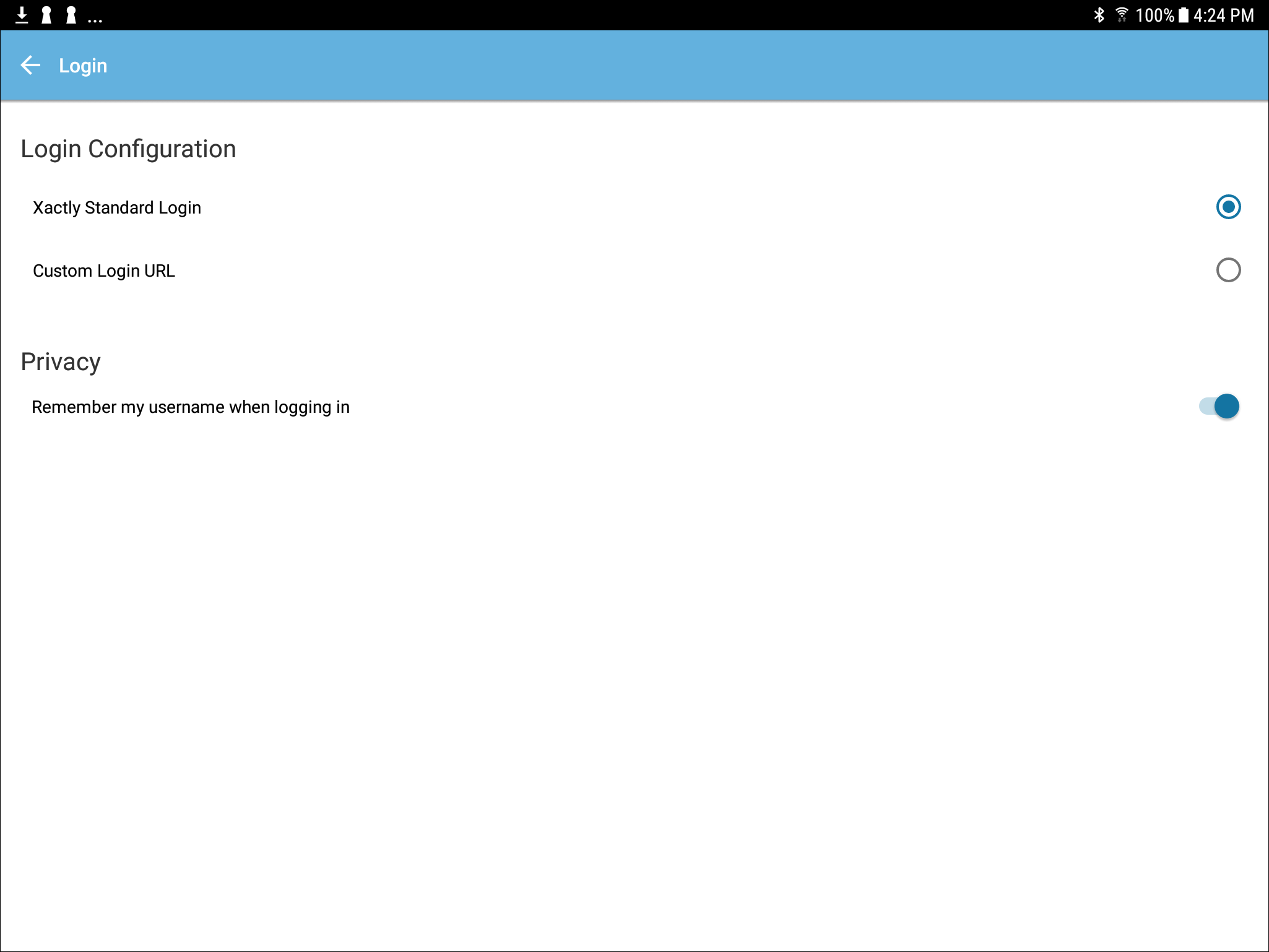 Login Settings Screen — Incent for Android App